

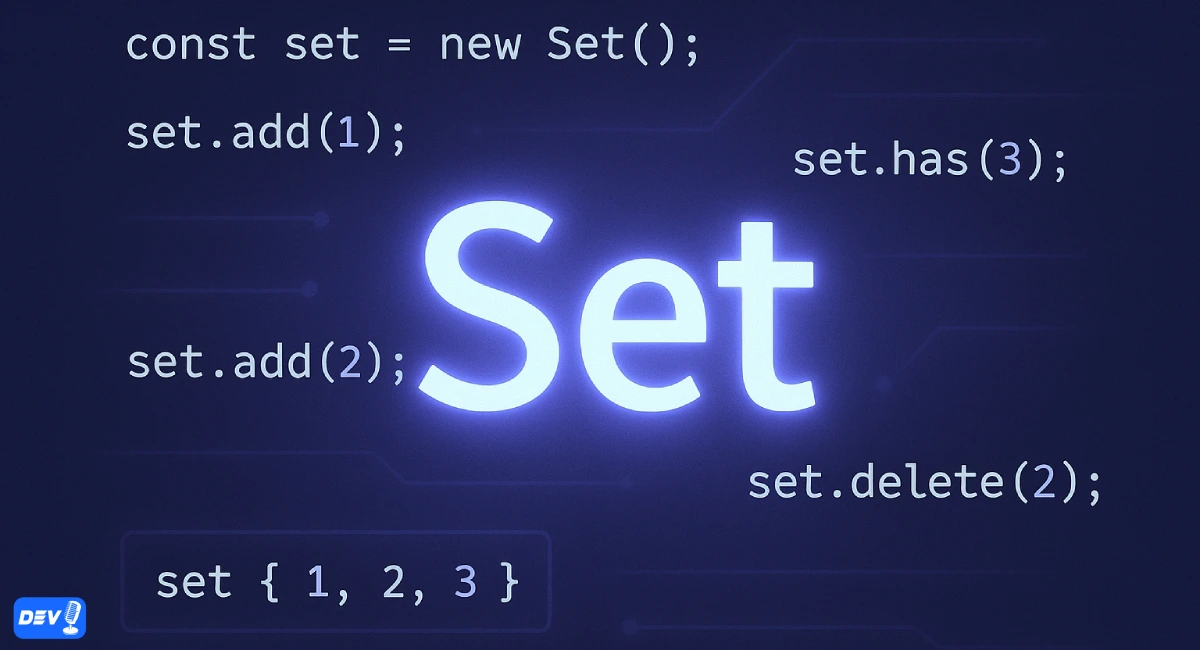
When working with collections in JavaScript, arrays are often the go-to data structure. However, ES6 introduced a new built-in object called Set, which makes handling unique values much easier and more efficient.
In this article, we’ll explore the key features of Set and demonstrate them with practical examples.
🔹 What is a Set?
A Set in JavaScript is a collection of unique values.
- It can store any type of data (primitive or object references).
- Duplicate values are automatically removed.
const mySet = new Set([1, 2, 3, 3, 4, 5]);
console.log(mySet); // Output: Set(5) {1, 2, 3, 4, 5}
Notice how the duplicate
3was removed automatically.
🔹 Creating a Set
You can create a set using the Set constructor:
const emptySet = new Set(); // Empty set
const numberSet = new Set([1, 2, 3, 4]); // Set with initial values

console.log(emptySet.size);  // 0
console.log(numberSet.size); // 4
🔹 Adding Values
Use .add() to insert values into a set.
const fruits = new Set();
fruits.add("Apple");
fruits.add("Banana");
fruits.add("Apple"); // Duplicate, won’t be added

console.log(fruits); // Set(2) {"Apple", "Banana"}
🔹 Checking Values
Use .has() to check if a value exists
console.log(fruits.has("Apple"));  // true
console.log(fruits.has("Mango"));  // false
🔹 Deleting Values
Use .delete() to remove a specific value and .clear() to remove all.
fruits.delete("Banana");
console.log(fruits); // Set(1) {"Apple"}

fruits.clear();
console.log(fruits); // Set(0) {}
🔹 Iterating Over a Set
You can loop through a set using for...of or forEach().
const colors = new Set(["Red", "Green", "Blue"]);

// Using for...of
for (let color of colors) {
  console.log(color);
}

// Using forEach
colors.forEach(color => console.log(color));
🔹 Converting Between Set and Array
Since Set doesn’t allow duplicates, it’s useful for removing duplicates from arrays.
const numbers = [1, 2, 2, 3, 4, 4, 5];
const uniqueNumbers = [...new Set(numbers)];
console.log(uniqueNumbers); // [1, 2, 3, 4, 5]

You can also convert a Set back to an array:

const mySet = new Set(["A", "B", "C"]);
const myArray = Array.from(mySet);

console.log(myArray); // ["A", "B", "C"]
🔹 Useful Applications of Set
- Remove duplicates from arrays
- Check existence of items quickly
- Perform set operations like union, intersection, and difference
Example: Union, Intersection, Difference
const setA = new Set([1, 2, 3, 4]);
const setB = new Set([3, 4, 5, 6]);

// Union
const union = new Set([...setA, ...setB]);
console.log(union); // Set(6) {1, 2, 3, 4, 5, 6}

// Intersection
const intersection = new Set([...setA].filter(x => setB.has(x)));
console.log(intersection); // Set(2) {3, 4}

// Difference
const difference = new Set([...setA].filter(x => !setB.has(x)));
console.log(difference); // Set(2) {1, 2}
Conclusion
The ES6 Set is a powerful and efficient data structure for handling unique values in JavaScript.
- No duplicates allowed
- Fast lookups with
.has() - Easy conversion to/from arrays
- Perfect for set operations
By using Set, you can write cleaner and more optimized code, especially when working with collections that require uniqueness.
If you found this helpful, feel free to share or drop a comment. Happy coding with Laravel! 🧱✨
Free tools for this topic
Code snippets and fixes for this topic
- JavaScript dark mode toggle that remembers the user’s choice Snippet · JavaScript
- JavaScript remove duplicates from an array Snippet · JavaScript
- JavaScript fetch with timeout using AbortSignal.timeout Snippet · JavaScript
- JavaScript copy text to clipboard with the Clipboard API Snippet · JavaScript
Get one practical tip every week
New tutorials, fixes and free cheat sheets from DEV Talk, straight to your inbox. No spam, unsubscribe in one click.
Have a question about this post?
Ask the community: other developers and the author can answer.
Get notified about new articles
One click, no email needed. Turn it off anytime with the bell at the top.
Get new articles on your iPhone
Add DEV Talk to your Home Screen, open it, then tap the bell.
Enjoying the content?
If this article helped you, you can support the author with a coffee. It keeps new posts coming.



Comments 0
No comments yet
Be the first to share your thoughts.