
JavaScript copy text to clipboard with the Clipboard API
JavaScript Dasun Kalupahana 91 views
async function copyText(text) {
  try {
    await navigator.clipboard.writeText(text);
    return true;
  } catch (err) {
    console.error('Copy failed:', err);
    return false;
  }
}

document.querySelector('#copy-btn')?.addEventListener('click', () => copyText('Hello!'));
Copies text with the modern async Clipboard API. It only works on HTTPS (or localhost) and usually needs to run from a user action such as a click.
Learn more on the blog

Javascript
structuredClone vs JSON.stringify vs Spread: Deep Copy Guide
Sooner or later every JavaScript developer copies an object, changes the copy,...

3 min read
Javascript
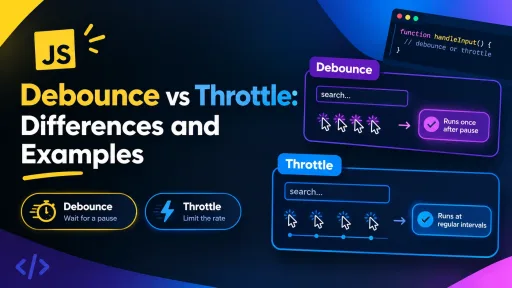
JavaScript Debounce vs Throttle: Differences and Examples
A search box that fires a request on every keystroke, a scroll...
4 min read
Javascript
Master JavaScript Objects: The Ultimate ES6+ Guide for Developers
🚀 Want to level up your JavaScript skills? Objects are the heart...
2 min read