

On this page
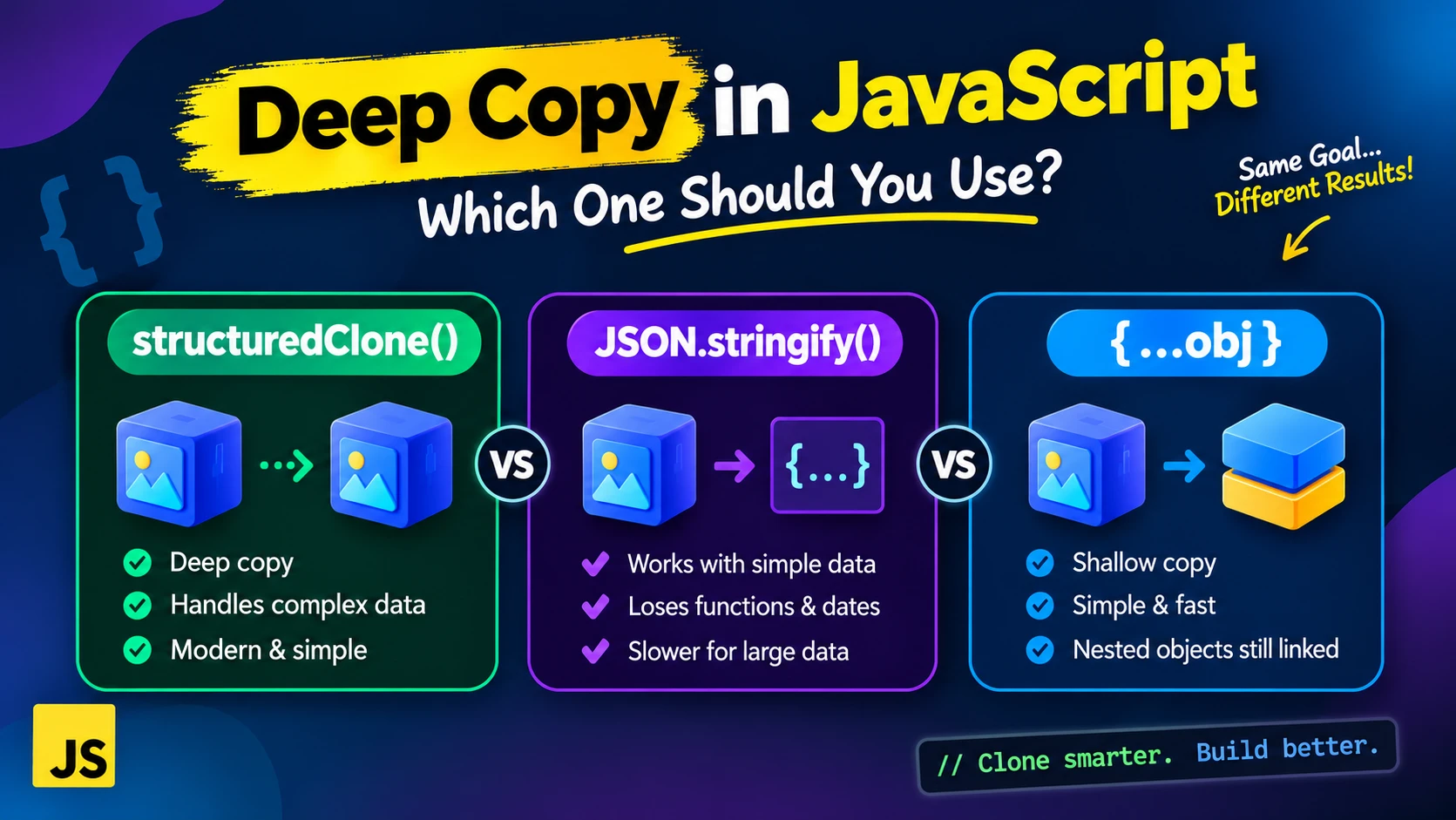
Sooner or later every JavaScript developer copies an object, changes the copy, and finds the original changed too. The usual fixes are the spread operator, the old JSON.parse(JSON.stringify(obj)) trick, and the newer structuredClone(). They look interchangeable. They are not, and the differences show up as bugs only when your data contains dates, sets, undefined, or a circular reference. I ran all three on Node 22 and in Chromium, and checked the behavior against MDN, so you can see what each one really does.
Why a plain copy is not enough
Spread ({...obj}) and Object.assign make a shallow copy: top-level values are copied, but nested objects are shared. I copied an object with spread and pushed to a nested array on the copy:
const original = { nested: { list: [1, 2] } };
const copy = { ...original };

copy.nested.list.push(3);

console.log(original.nested.list);   // [ 1, 2, 3 ]  - the original changed
If your object has nested data and you plan to change it, you need a deep copy.
The JSON trick, and what it quietly destroys
JSON.parse(JSON.stringify(obj)) works by turning your data into text and back. That means anything JSON cannot represent is changed or lost. These are real outputs from Node 22:
| Value | JSON round-trip | structuredClone() |
|---|---|---|
Date | Becomes an ISO string | Stays a real Date |
undefined property | Key disappears | Kept |
NaN, Infinity | Become null | Kept |
Set, Map | Become {} | Cloned correctly |
RegExp | Becomes {} | Cloned, flags kept |
BigInt | Throws a TypeError | Cloned |
| Circular reference | Throws a TypeError | Cloned, cycle preserved |
| Function property | Silently dropped | Throws DataCloneError |
-0 | Becomes 0 | Kept |
The dangerous rows are the silent ones. A Date turning into a string, or a Set turning into {}, does not throw anything. Your code just breaks later, somewhere else.
structuredClone(): the built-in deep copy
const order = {
  id: 7,
  createdAt: new Date('2026-01-01T00:00:00Z'),
  tags: new Set(['paid', 'gift']),
  note: undefined,
};

const copy = structuredClone(order);

copy.createdAt instanceof Date;   // true
copy.tags instanceof Set;         // true
'note' in copy;                   // true
It handles circular references too, and keeps shared references shared. When I cloned { a: shared, b: shared }, the clone's a and b were the same object, but a different object from the original shared. MDN lists it as widely available in browsers since March 2022, and I confirmed it exists in Node 22 and in Chromium 141.
What structuredClone() cannot do
- Functions throw.
structuredClone({ fn() {} })raised aDataCloneError(aDOMException). The same happened for a Promise and a WeakMap. A Symbol value throws too, though a Symbol used as a key is silently skipped. In a browser, DOM nodes throw as well, which I confirmed withdocument.body. - Class instances lose their class. I cloned
new User('ada')and got a plain object withnameonly. It was not aninstanceof User, and thegreet()method was gone. MDN says the prototype chain is not walked or duplicated. - Getters become plain values. An object with
get x() { return 5 }was cloned as{ x: 5 }, a normal writable property. Property descriptors are not copied. - Non-enumerable properties are dropped.
If you need to copy class instances, write a clone() method on the class, or rebuild the instance from the cloned data with new User(...).
Is it faster? Not in my tests
You may read that structuredClone is the fast option. On plain JSON-like data, it was not. Median of 5 runs, Node 22 on a small container:
| Data | structuredClone | JSON round-trip |
|---|---|---|
| Small object (about 10 values) | 4.0 µs | 1.9 µs |
| 5,000 user objects | 14.6 ms | 10.2 ms |
Chromium 141 showed the same ordering (4.9 vs 1.6 µs, and 16.7 vs 10.9 ms). So the JSON trick was faster on plain data in both. The numbers are from one machine and one data shape, so use them for direction, not as exact figures. The point: choose structuredClone for correctness, not speed. If you are cloning in a hot loop, ask whether you need a deep copy at all.
Which one should you use?
| Situation | Use |
|---|---|
| Flat object, or you only change top-level values | Spread: { ...obj } |
| Nested data, may contain dates, Sets, Maps, undefined or cycles | structuredClone() |
| Plain JSON-safe data and you want the fastest option | JSON round-trip works, if you are sure of the data |
| Contains functions or class instances you need to keep | A custom clone, or a library such as lodash's cloneDeep (not tested here) |
| Copying state in React or similar | Usually avoid deep copies: spread only the path you change |
A bonus: moving large data without copying
structuredClone has a second argument for transferring data instead of copying it. I created an 8-byte ArrayBuffer and cloned it with { transfer: [buffer] }. The clone had 8 bytes, and the original dropped to 0 bytes. It is useful for big binary data, but the original becomes unusable.
References
Free tools for this topic
Code snippets and fixes for this topic
Get one practical tip every week
New tutorials, fixes and free cheat sheets from DEV Talk, straight to your inbox. No spam, unsubscribe in one click.
Have a question about this post?
Ask the community: other developers and the author can answer.
Get notified about new articles
One click, no email needed. Turn it off anytime with the bell at the top.
Get new articles on your iPhone
Add DEV Talk to your Home Screen, open it, then tap the bell.
Enjoying the content?
If this article helped you, you can support the author with a coffee. It keeps new posts coming.



Comments 0
No comments yet
Be the first to share your thoughts.