
JavaScript dark mode toggle that remembers the user’s choice
JavaScript Dasun Kalupahana 97 views
const root = document.documentElement;
const saved = localStorage.getItem('theme');
const prefersDark = window.matchMedia('(prefers-color-scheme: dark)').matches;

root.dataset.theme = saved ?? (prefersDark ? 'dark' : 'light');

document.querySelector('#theme-toggle')?.addEventListener('click', () => {
  const next = root.dataset.theme === 'dark' ? 'light' : 'dark';
  root.dataset.theme = next;
  localStorage.setItem('theme', next);
});
Uses the system preference on the first visit, then saves the user’s choice in localStorage. It sets a data-theme attribute you can style in CSS.
Learn more on the blog

Javascript
structuredClone vs JSON.stringify vs Spread: Deep Copy Guide
Sooner or later every JavaScript developer copies an object, changes the copy,...

3 min read
Javascript
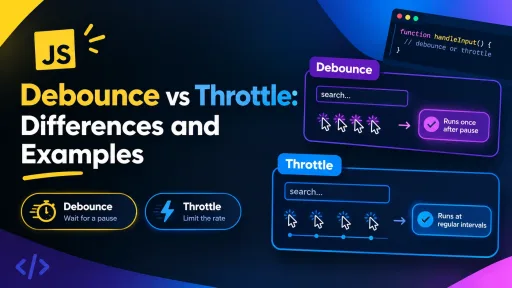
JavaScript Debounce vs Throttle: Differences and Examples
A search box that fires a request on every keystroke, a scroll...
4 min read

Javascript
Master JavaScript Objects: The Ultimate ES6+ Guide for Developers
🚀 Want to level up your JavaScript skills? Objects are the heart...
2 min read