

On this page
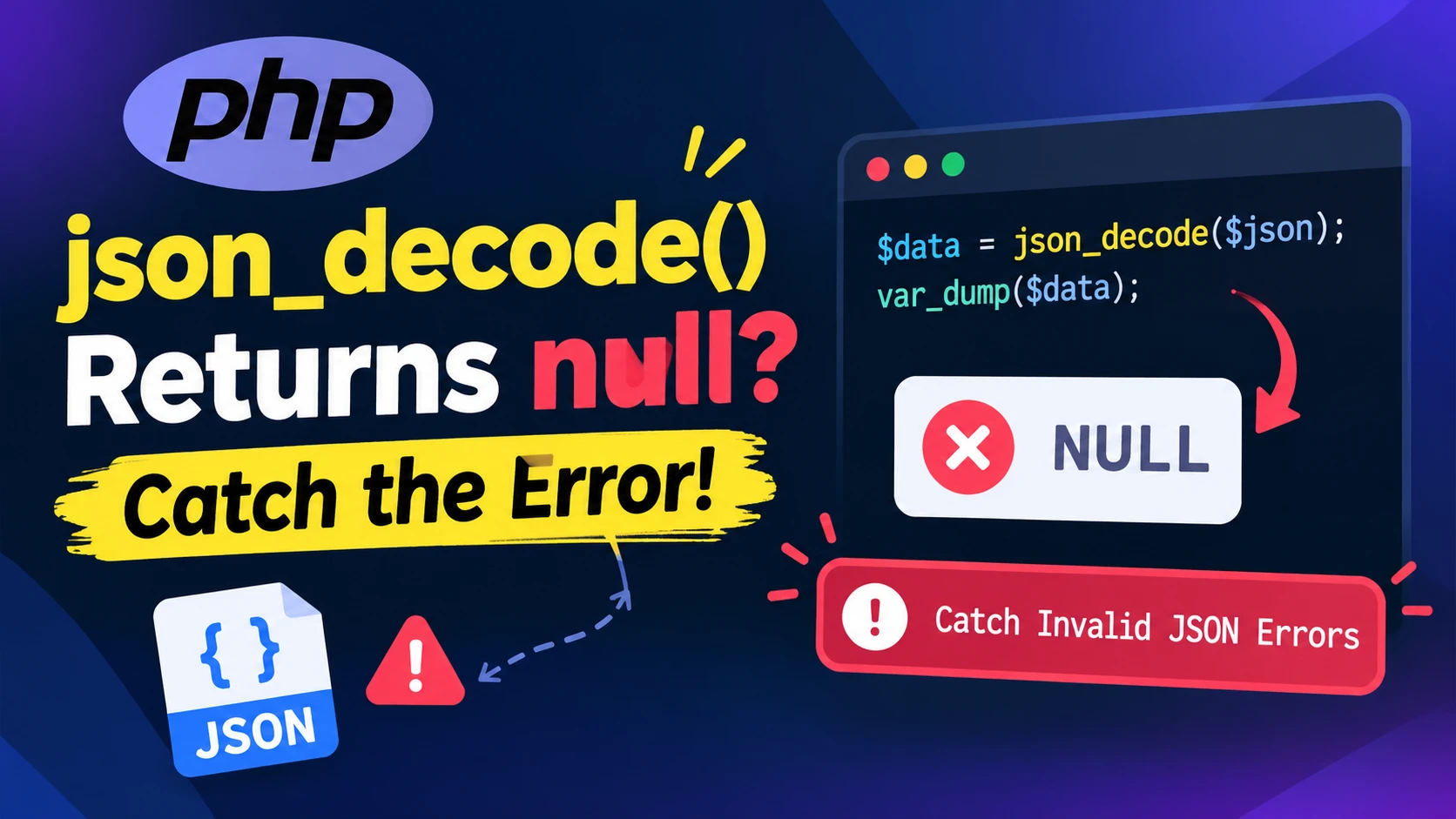
Here is a bug that looks like a data problem and is really an error-handling problem. A payment webhook arrives, your code decodes it, and the order never gets marked as paid. No exception, no log line, nothing. The cause is one function that fails quietly: json_decode() returns null when the JSON is broken, which is exactly what it also returns for a perfectly valid null.
The silent failure
$payload = '{"event":"paid","amount":1999,}';   // trailing comma: invalid JSON

$data = json_decode($payload, true);

echo $data['event'] ?? 'none';   // prints: none
The variable $data is NULL, the ?? operator hides the problem, and the script carries on as if the webhook was empty. Now compare with a valid payload:
| Input | json_decode() returns | Is it an error? |
|---|---|---|
{"event":"paid",} | NULL | Yes (syntax error) |
null | NULL | No, it is valid JSON |
'' (empty string) | NULL | Yes (syntax error) |
You cannot tell these apart from the return value alone. The old workaround is to call json_last_error() straight afterwards, which does work (it returned 4 for the broken payload and 0 for null when I ran it). But it relies on a global error state that you have to remember to check, in the right place, every single time.
The fix: JSON_THROW_ON_ERROR
Pass the JSON_THROW_ON_ERROR flag and PHP throws a JsonException instead of returning null:
try {
    $data = json_decode($payload, true, 512, JSON_THROW_ON_ERROR);
} catch (JsonException $e) {
    // $e->getMessage() === 'Syntax error'
    // $e->getCode()    === 4   (the value of JSON_ERROR_SYNTAX)
    http_response_code(400);
    exit('Invalid JSON: ' . $e->getMessage());
}
Now a broken payload stops at the catch block with a reason, instead of travelling further into your code as null. The exception message and code are the same ones json_last_error_msg() and json_last_error() would give you.
The named-argument shortcut
The signature of the function is json_decode(string $json, ?bool $associative = null, int $depth = 512, int $flags = 0). The flag is the fourth parameter, so the positional version forces you to type the default depth just to reach it: 512. With a named argument you can skip it:
$data = json_decode($json, true, flags: JSON_THROW_ON_ERROR);This needs PHP 8.0 or newer, because that is when named arguments arrived. I checked that it behaves the same as the positional call, and that a broken payload throws with the same message.
One more detail: the second parameter is optional too. If you leave out true, you get objects instead of arrays, and you can still ask for arrays through a flag:
json_decode($json, flags: JSON_THROW_ON_ERROR);                          // stdClass object
json_decode($json, flags: JSON_OBJECT_AS_ARRAY | JSON_THROW_ON_ERROR);   // array
Things that still catch people out
- A valid
nullis stillnull. The flag only throws on errors, andnullis not an error. If you expect an object or an array, check the type after decoding:if (!is_array($data)) { ... }. - An empty string throws.
json_decode('', true, flags: JSON_THROW_ON_ERROR)gives a syntax error, so an empty request body ends up in yourcatchblock too. Usually that is what you want. - The flag leaves
json_last_error()alone. In my test, a call with the flag neither set nor reset the global error state. Do not mix the two styles in the same code path. - Depth is an error as well.
json_decode('[[1]]', true, 1, JSON_THROW_ON_ERROR)throws "Maximum stack depth exceeded". json_encode()has the same problem and the same fix. Without the flag,json_encode("\xB1\x31")returnsfalse. With it, you get aJsonExceptionsaying "Malformed UTF-8 characters, possibly incorrectly encoded".
Only need to know if it is valid?
From PHP 8.3 there is json_validate(), which returns a boolean without building the decoded data:
json_validate('{"a":1}');     // true
json_validate('{"a":1,}');    // false
json_validate('null');        // true
Use it when you only want to check a string, for example before storing it. If you need the data, decode once with JSON_THROW_ON_ERROR and skip the extra pass.
PHP 8.6 makes the message more useful
On PHP 8.6.0 RC4 (a release candidate, so details may still change), the same broken payload produced Syntax error near location 1:16 instead of plain Syntax error, and the depth error added a location too. On PHP 8.3.6 and 8.4.27 the messages were the short ones. If you log or test against exact message text, expect it to change when you upgrade.
A handy rule
If the JSON comes from outside your code (a request body, a webhook, a queue message, an API response), decode it with JSON_THROW_ON_ERROR. If you wrote the string yourself a line earlier, plain json_decode() is fine.
References
Free resources for this topic
Code snippets and fixes for this topic
Get one practical tip every week
New tutorials, fixes and free cheat sheets from DEV Talk, straight to your inbox. No spam, unsubscribe in one click.
Free download: Laravel interview questions (PDF)
Have a question about this post?
Ask the community: other developers and the author can answer.
Get notified about new articles
One click, no email needed. Turn it off anytime with the bell at the top.
Get new articles on your iPhone
Add DEV Talk to your Home Screen, open it, then tap the bell.
Enjoying the content?
If this article helped you, you can support the author with a coffee. It keeps new posts coming.



Comments 0
No comments yet
Be the first to share your thoughts.