Developer tools
Password Generator
Create strong, random passwords for accounts, databases and API keys. They are generated on your device and never sent anywhere.
-
Runs in your browser
-
Free, no sign-up
Choose at least one kind of character.
How to use the Password Generator
-
1
Choose the length and which characters to use.
-
2
Turn on "Avoid look-alikes" if you need to type the password by hand.
-
3
Copy a password. Generate again for a new one.
Frequently asked questions
How long should a password be?
At least 16 characters for accounts and 24 or more for things like database passwords and secrets. Length adds more strength than symbols do.
Is it really random?
Yes. It uses crypto.getRandomValues, the browser's cryptographically secure generator, with unbiased selection.
Where should I keep passwords?
In a password manager. Never reuse a password across sites.
From the blog
Laravel
Last updated: 8 November 2026. See the update log at the end.Laravel gives you safe defaults...
12 min read
PHP
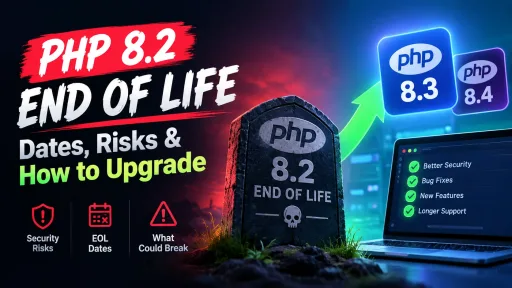
PHP 8.2 stops receiving security fixes on 31 December 2026. Your site will not break on...
4 min read
Javascript
On Wednesday, October 21, 2026, the Node.js project shipped security releases for three lines: 26.x, 24.x...
6 min read