

On this page
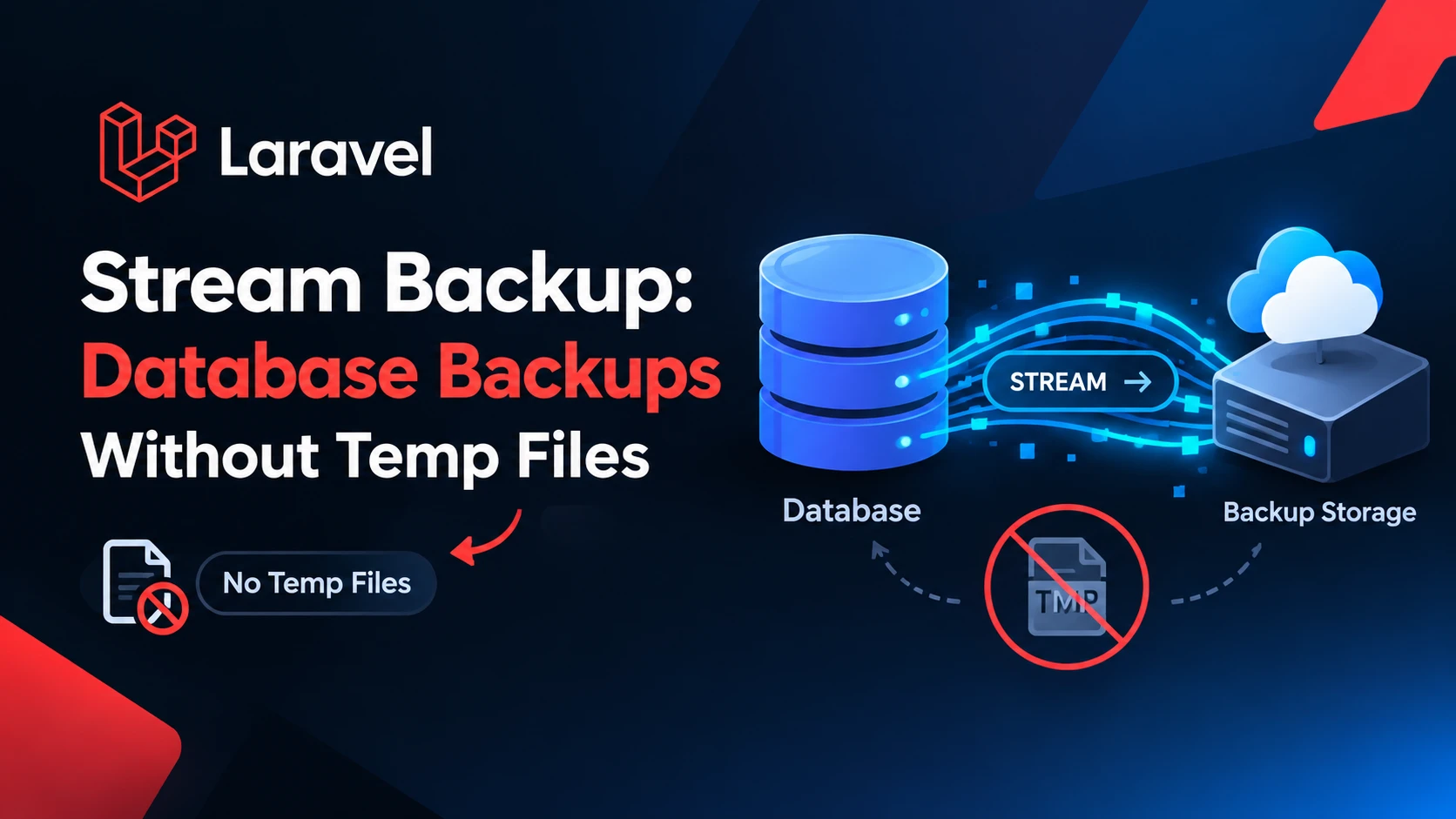
Most Laravel backup setups share a quiet assumption: the server has enough free disk to hold the database dump, and then the compressed copy of it, before anything reaches S3. That is fine at 2 GB. At 200 GB it is how a backup job fills a volume at 3 a.m. laravel-stream-backup is a young package that removes that assumption by piping mysqldump straight through a compressor (and optionally encryption) into an S3 multipart upload, SFTP, or local disk, so no database-sized file is ever written. I read the source of the latest tagged release (v1.7.2, 13 October 2026) and ran its encryption streams and retention logic myself. Here is what it does, how to set it up, and where it is not the right tool.
First, a naming trap
The GitHub account is ahmed-nour-dev, but the Composer package is published under a different vendor name. The name in composer.json and the README is:
composer require ahmednour/laravel-stream-backupTyping the GitHub name into composer require will not find it. The PHP namespace is Ahmednour\StreamBackup.
How it works
The pipeline, from the README and confirmed in StreamPipeline.php, is:
mysqldump / pg_dump / sqlite3
   -> pigz or gzip
   -> optional encryption (AES-256-GCM or XChaCha20-Poly1305)
   -> SHA-256 checksum
   -> S3 multipart upload / SFTP / local disk
The pipeline reads from the dump process with non-blocking pipes and stream_select(), collects compressed bytes into one buffer per upload part (32 MB by default), uploads each part and reuses the buffer. Memory therefore depends on the part size, not the database size. The README is careful about the claim: it says "no database-sized temporary file", not "zero disk", because each part buffer is a php://temp stream that PHP moves to disk once it passes 2 MB.
One design detail I like: the multipart upload is only completed after the dump process and the compressor have both exited cleanly. A mysqldump that dies halfway through cannot leave behind an object that looks like a finished backup. On any failure the multipart upload is aborted and both processes are terminated.
Requirements
- PHP 8.1+ (8.2+ on Laravel 11 and newer, 8.3+ on Laravel 13) and Laravel 10 to 13.
ext-pcntl(a hard requirement incomposer.json, used for graceful SIGTERM handling), so this is for Linux and macOS servers, not Windows.- The dump tool for your engine on
PATH:mysqldump,pg_dumporsqlite3. pigzis optional. With the defaultautosetting it usespigzif present and falls back togzip.- A queue worker and a cache store that supports atomic locks, because backups run as queued jobs and a lock-based semaphore limits how many run at once (default 2).
Setup
composer require ahmednour/laravel-stream-backup
php artisan vendor:publish --tag=stream-backup
php artisan migrate
The publish tag copies config/stream-backup.php and the migrations (tables for backups, per-attempt history and restores). Then add the destination settings to .env. The values below are the documented variable names; the disk name is yours to choose:
STREAM_BACKUP_DISK=spaces
STREAM_BACKUP_DESTINATION_DRIVER=s3
STREAM_BACKUP_COMPRESSION_DRIVER=auto
STREAM_BACKUP_QUEUE_CONNECTION=redis
STREAM_BACKUP_QUEUE=backups

# optional encryption
STREAM_BACKUP_ENCRYPTION_DRIVER=openssl-aes-256-gcm
STREAM_BACKUP_ENCRYPTION_KEY=
For S3, the package builds its own client from the matching entry in filesystems.disks (the source reads filesystems.disks.{disk}), so define that disk with your endpoint and credentials as usual. Generate an encryption key with the command from the README and store it somewhere other than the server being backed up:
php -r "echo base64_encode(random_bytes(32));"Backups are not scheduled for you. The package registers its own maintenance jobs (stale multipart cleanup, retention cleanup, reconciliation), but you add the backup run yourself, for example in routes/console.php:
use Illuminate\Support\Facades\Schedule;

Schedule::command('backup:all')->dailyAt('02:00');
Run the worker with no timeout, because the job sets $timeout = 0 on purpose and the README says a finite worker timeout should stay well above the package's own six-hour ceiling:
php artisan queue:work redis --queue=backups --timeout=0Without a worker listening on that queue, backup:all will enqueue jobs that never run. That is the first thing to check if nothing appears in the bucket.
Features that matter in production
Encryption you can trust to fail loudly
I ran the package's own encryption and decryption stream classes against 3 MB of random data, with both drivers. The round trip returned identical bytes. Then I broke things on purpose:
| Test | AES-256-GCM | XChaCha20-Poly1305 |
|---|---|---|
| Wrong key | Exception at chunk 0, no plaintext released | Exception, no plaintext released |
| One flipped byte mid-file | Exception at chunk 15 (authentication tag mismatch) | Exception (authentication error) |
| Stream cut off mid-way | Exception: ended unexpectedly mid-frame | Exception: ended unexpectedly mid-frame |
| Final end-of-stream marker removed | Exception: missing EOF marker | Exception: ended unexpectedly |
| Overhead on 3,000,000 bytes | 937 bytes | 1,012 bytes |
Truncation and corruption are detected rather than silently producing a short restore. One thing to know: data is authenticated chunk by chunk, so plaintext from chunks before the bad one has already been passed along when the error is raised (983,040 bytes in my flipped-byte test). That is acceptable here because the restore runs inside a transaction and the exception aborts it, but it is why you should never pipe a decrypted stream anywhere that cannot be rolled back.
Retries that do not litter the bucket
Each logical backup gets one row, and each retry (the job has $tries = 3) gets a row in backup_attempts. Because the object key is derived from the first attempt's start time, a retry overwrites the half-written object instead of leaving an orphan. If a worker dies after the upload finishes but before the database row is marked complete, a scheduled reconciliation job checks the remote object's size and magic bytes and finalizes the row. php artisan backup:reconcile reports the same thing, and only --clean deletes anything.
Retention in three tiers
Defaults are 7 daily, 4 weekly and 6 monthly. A backup taken on the last Sunday of a month counts as monthly, any other Sunday as weekly, everything else as daily. I ran the classifier on real dates to check the edge cases:
2026-10-25 (Sun, last Sunday of October)  -> Monthly
2026-10-18 (Sun)                           -> Weekly
2026-10-14 (Wed)                           -> Daily
2026-05-31 (Sun, month ends on a Sunday)   -> Monthly
Restore
This is the part most backup packages skip. The package restores into the same database engine, streaming from the destination, decrypting and decompressing on the fly:
php artisan backup:restore 123
php artisan backup:restore 123 --tables=users,posts
php artisan backup:restore 123 --connection=staging
On MySQL it swaps tables through shadow copies so a failure rolls back; on PostgreSQL and SQLite the whole restore is a single transaction. Several limits are stated openly in the README: cross-engine restores are rejected, PostgreSQL is supported only for plain-format dumps (not -F c or -F d), and PostgreSQL restore does not bring back functions, types, views or extensions, so it targets restoring over an existing database. Also, SFTP restores spool the whole backup to a temporary stream first because of a phpseclib limitation, so the "no big temp file" promise applies to S3 and local destinations on restore. Restoring into a separate connection first, as in the last command, is the sensible way to test.
Where it is not the right tool
- It backs up databases only. If you also need application files and uploads in the same archive,
spatie/laravel-backupremains the broader tool. The README itself frames this package as the choice for large databases and multi-tenant setups. - It is young. The first commit is dated 9 June 2026 and the latest release is v1.7.2. The last two releases (v1.7.1 and v1.7.2) are restore bug fixes for PostgreSQL identity columns and MariaDB foreign-key names, which is a reminder that restore paths take time to harden. I could not read Packagist statistics or the live GitHub star count from this environment, so check adoption yourself before standardizing on it.
- Not every claim in the README is in a tagged release. The README changelog lists a v1.8.0 (SFTP permission defaults) while the latest tag and the
CHANGELOG.mdstop at v1.7.2. Pin a version and read the release notes when upgrading. - Treat the first month as a trial. Run it next to your current backups, restore into a throwaway database, and compare row counts before you delete the old setup.
Quick checklist before you rely on it
- Confirm the dump binary and (optionally)
pigzexist on the worker host, not just the web host. - Run a manual
php artisan backup:alland watch a worker process it. - Restore that backup into a staging connection and verify the data.
- Store the encryption key outside the server and outside the backup bucket.
- Set a bucket lifecycle rule or rely on the scheduled stale-multipart cleanup so abandoned uploads do not bill you.
Frequently asked questions
Does it need a lot of local disk?
No database-sized staging file is created. Each upload part is buffered in a php://temp stream, which stays in memory up to 2 MB and then spills to a temporary file, and the buffer is bounded by the part size (32 MB by default). Restores over SFTP are the exception, as noted above.
Does it work with MariaDB?
The MySQL driver uses mysqldump, and the 1.7.2 release specifically fixes an atomic-restore issue with MariaDB's auto-named foreign keys, so MariaDB is clearly in use. I did not run an end-to-end backup myself.
Can it back up to DigitalOcean Spaces or MinIO?
Yes, any S3-compatible endpoint. For Spaces the README says two AWS SDK checksum options must be set to when_required, and the package's bundled client already does that.
Is the password exposed in the process list?
The MySQL driver writes credentials to a temporary file with 0600 permissions and passes it with --defaults-extra-file, and the PostgreSQL driver uses the PGPASSWORD environment variable, so passwords are not placed on the command line.
References
- GitHub: ahmed-nour-dev/laravel-stream-backup (README, CHANGELOG, source)
Free resources for this topic
Code snippets and fixes for this topic
Get one practical tip every week
New tutorials, fixes and free cheat sheets from DEV Talk, straight to your inbox. No spam, unsubscribe in one click.
Free download: Laravel interview questions (PDF)
Have a question about this post?
Ask the community: other developers and the author can answer.
Get notified about new articles
One click, no email needed. Turn it off anytime with the bell at the top.
Get new articles on your iPhone
Add DEV Talk to your Home Screen, open it, then tap the bell.
Enjoying the content?
If this article helped you, you can support the author with a coffee. It keeps new posts coming.



Comments 0
No comments yet
Be the first to share your thoughts.